
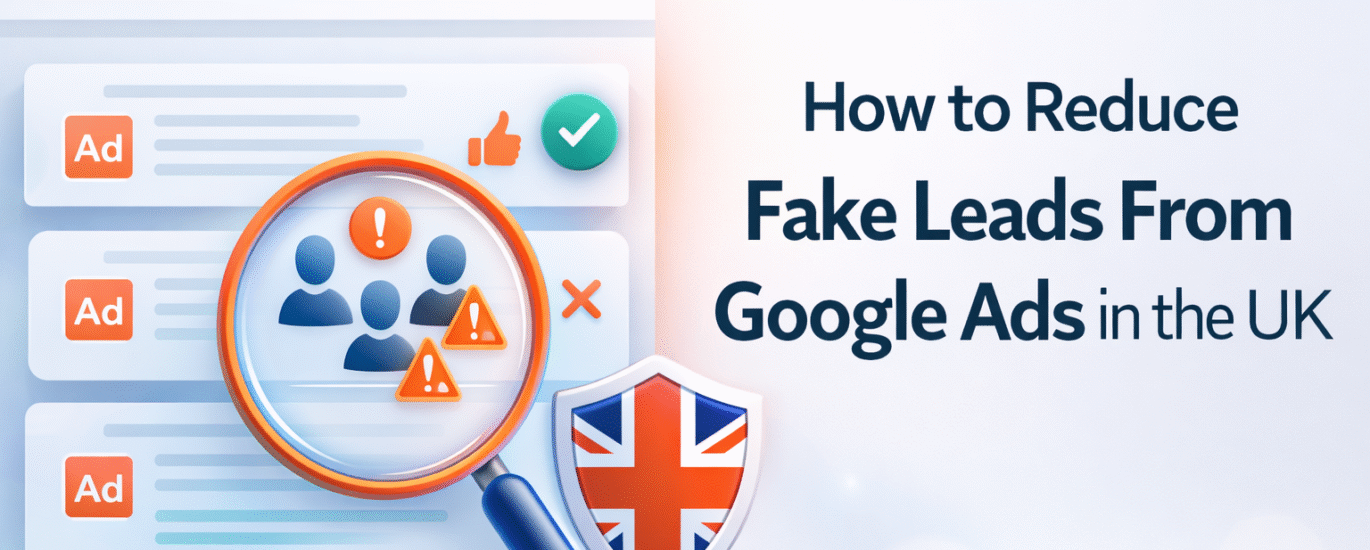
Fake leads are one of the biggest problems I see in UK Google Ads accounts.
You spend money.
Leads come in.
But when you call them, most are junk.
Some are bots.
Some are people clicking by mistake.
Others are competitors or job seekers.
This problem has increased in the UK over the last few years.
However, the good news is this.
Fake leads are not random.
They happen because of gaps in setup.
Let’s break this down step by step.
Why Fake Leads Happen in UK Google Ads
First, you need to understand the cause.
Fake leads usually come from:
- Broad or weak targeting
- Open search terms
- Low-quality display traffic
- Poor lead form design
- Missing conversion filters
Also, UK traffic is very competitive.
Therefore, Google pushes volume if you don’t guide it properly.
More volume often means less quality.
1. Fix Your Campaign Type First
If you are running Performance Max or Display for lead generation, pause and review.
These campaign types often attract:
- App traffic
- Accidental clicks
- Low-intent users
For UK lead gen, start with:
- Search campaigns only
- Manual control
- Clear keyword intent
Use Performance Max only when:
- You have clean conversion data
- You can import offline qualified leads
Otherwise, it will chase junk.
2. Tighten Keyword Intent (This Is Critical)
Avoid keywords like:
- “free”
- “jobs”
- “course”
- “training”
- “cheap”
- “contact”
Instead, focus on:
- Service-based keywords
- Location + service terms
- High-intent phrases
Example:
❌ marketing agency
✅ digital marketing agency london pricing
Also, use phrase match, not broad.
Then, check search terms daily.
Add negative keywords every week.
This single step reduces fake leads fast.
3. Stop Using Open Lead Forms
Many UK advertisers use:
- Very short forms
- Auto-filled forms
- Google hosted forms only
That’s risky.
Instead:
- Add 1–2 qualifying questions
- Use dropdowns instead of text fields
- Ask for business email, not Gmail
Example:
“Monthly marketing budget?”
- Under £1,000
- £1,000–£3,000
- £3,000+
Bots hate dropdowns.
Real users don’t.
4. Exclude Bad Traffic Sources
If you run Display or Discovery:
- Exclude mobile apps
- Exclude kids content
- Exclude parked domains
In Search:
- Turn off search partners if quality is low
- Monitor device performance
Often, fake leads spike from:
- Cheap mobile placements
- Unknown partner sites
Cut them early.
5. Track Only Qualified Leads as Conversions
This is where most UK accounts fail.
If every form fill is counted as a conversion, Google learns the wrong signal.
Instead:
- Track form submission
- But import qualified leads later
- Use offline conversion import
Even a simple system helps:
- Mark good leads in CRM
- Upload them weekly
Over time, Google optimizes for quality, not noise.
6. Match Ads With Landing Page Intent
If your ad says “Free Consultation” but the page looks salesy, you attract the wrong crowd.
Align:
- Ad promise
- Landing page headline
- Form intent
Clear messaging filters bad clicks automatically.
Final Thought (Real Talk)
Fake leads are not a Google problem.
They are a setup problem.
Once you fix:
- Intent
- Targeting
- Forms
- Tracking
Lead quality improves.
CPA stabilizes.
Sales teams stop complaining.
If you want better creatives and landing visuals, check out Design Shop for Marketing Creatives
For real-world performance marketing insights, follow Allmyclicks on Instagram
You can also explore our full performance marketing approach here Visit Now
Need help fixing fake leads in your UK Google Ads account?
Reach out softly on WhatsApp Chat Now
Sometimes, one clean audit changes everything.